 Open source · MIT · Built for OpenClaw
The cockpit
OpenClaw deserves.
Watch your agents work, edit what they see, and talk to them out loud. One self-hosted window for your whole fleet.
curl -fsSL https://nerve.zone/i | bash
macOS or Linux · Node.js 22+ · Needs the openclaw CLI and a gateway
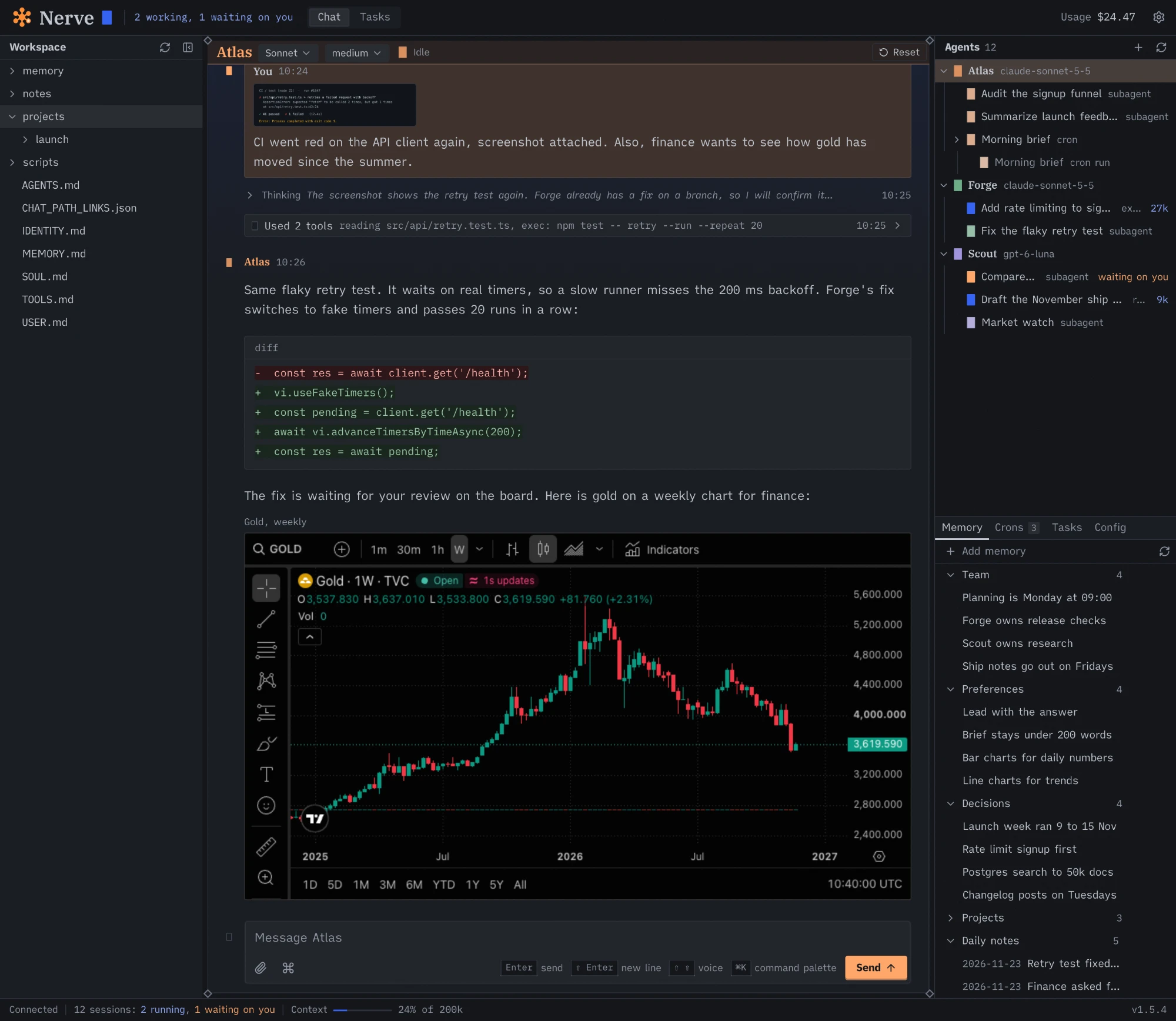
Many agents, one control plane
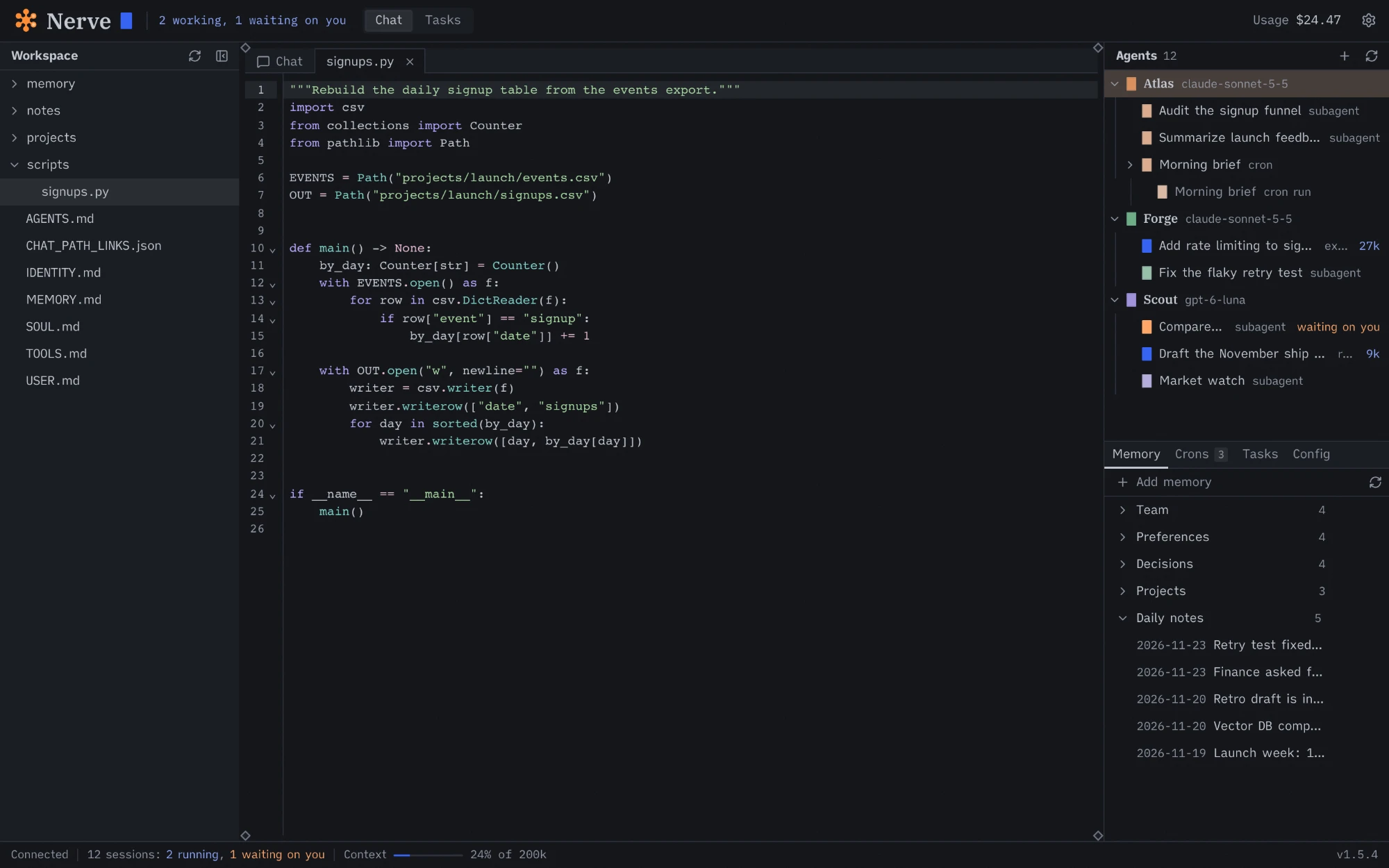
Each agent keeps its own workspace, memory, identity and skills. You switch between them without losing your place.
State at a glance
Every agent's pane shows whether it's working, waiting on you or failed, so you know where to look.
Nothing trapped in a thread
Sessions, subagents, crons, tokens, costs and context pressure stay in view while long tasks run.
I've been struggling with OpenClaw default UI for weeks now, this looks like a breath of fresh air. The ability to see the files the agent has access to and being able to edit them is a huge thing for me since I don't have much experience in using Linux terminal.
…this is fantastic, thank you OP. Getting to see what's going on in the files and cron schedule over tailscale without having to waste tokens asking the model to recite information … is huge. Also thank you for making this local and open source…
The voice feature is a game-changer. I've been using Whisper.cpp for local STT on my M2 MacBook Air, but having it integrated directly into the UI like that is exactly what I needed.
This is super cool, thanks for sharing and open-sourcing it. … Cron + sub-agent views + diffs is exactly what I’ve been craving.
I haven't tried many OpenClaw UI's yet, but the SubAgent view idea and the diff viewer are great ideas.
Ive been seriously struggling on the native UI … Just came across your amazing looking UI, Its the first thing im gonno setup on my VPS in the morning.
Everything your agents are doing, in plain view.
Chat is great for talking to agents. It is not enough for operating them. Nerve turns agent work into something you can watch, steer and review.
An operating layer, not a chat log
Crons, session trees, a task board, review loops and a proposal inbox give agent work a place to live outside the thread.
- A Kanban board your agents work from, with live runs
- Results land in review for you to approve or reject
- Every cron run is a session you can open
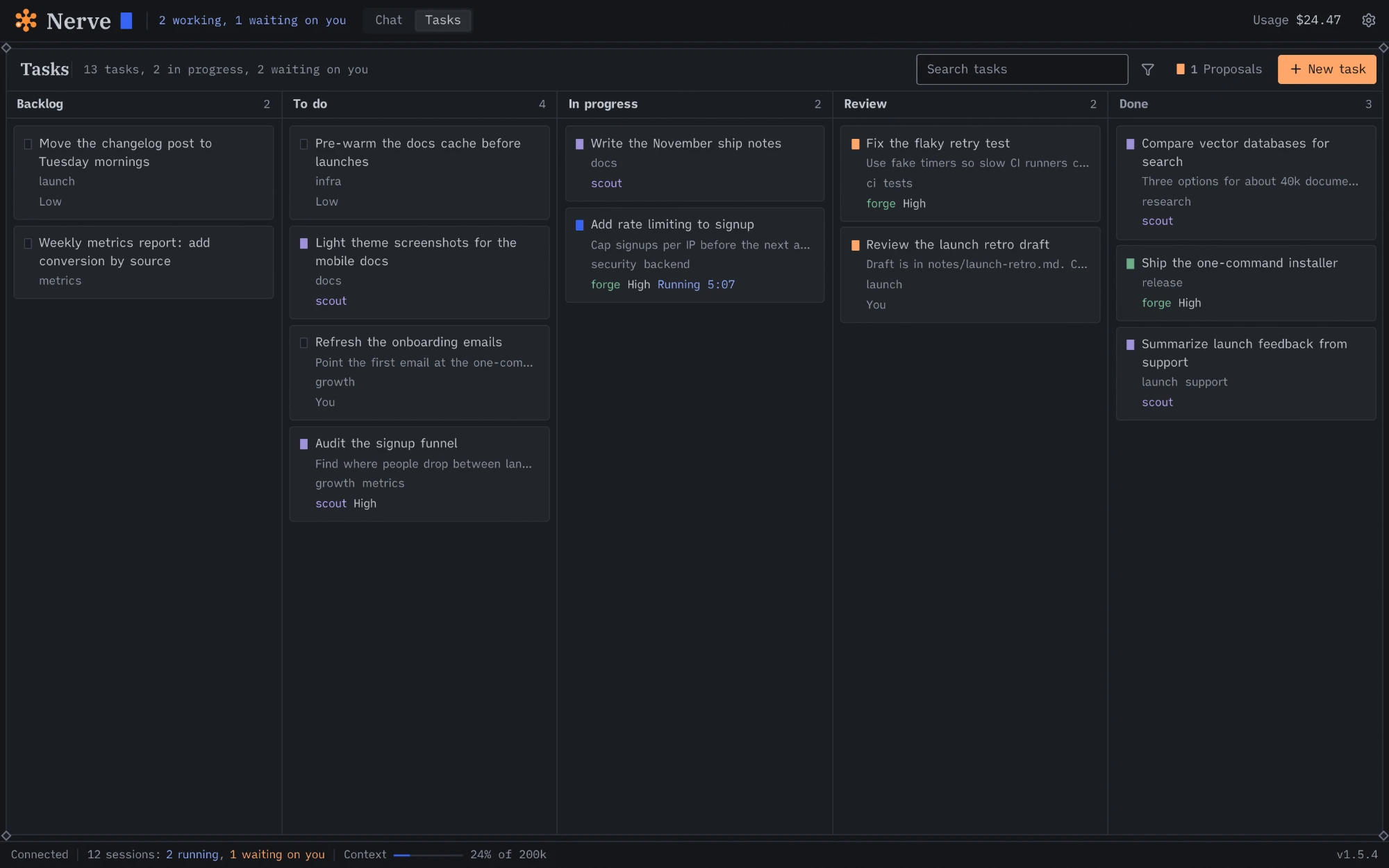
Voice that feels built in
Talk to your agent and hear it answer back. Voice is part of the product, not an afterthought.
- Push-to-talk and wake word flows
- Local Whisper transcription that stays on your machine
- Four TTS providers, including OpenAI Realtime voice
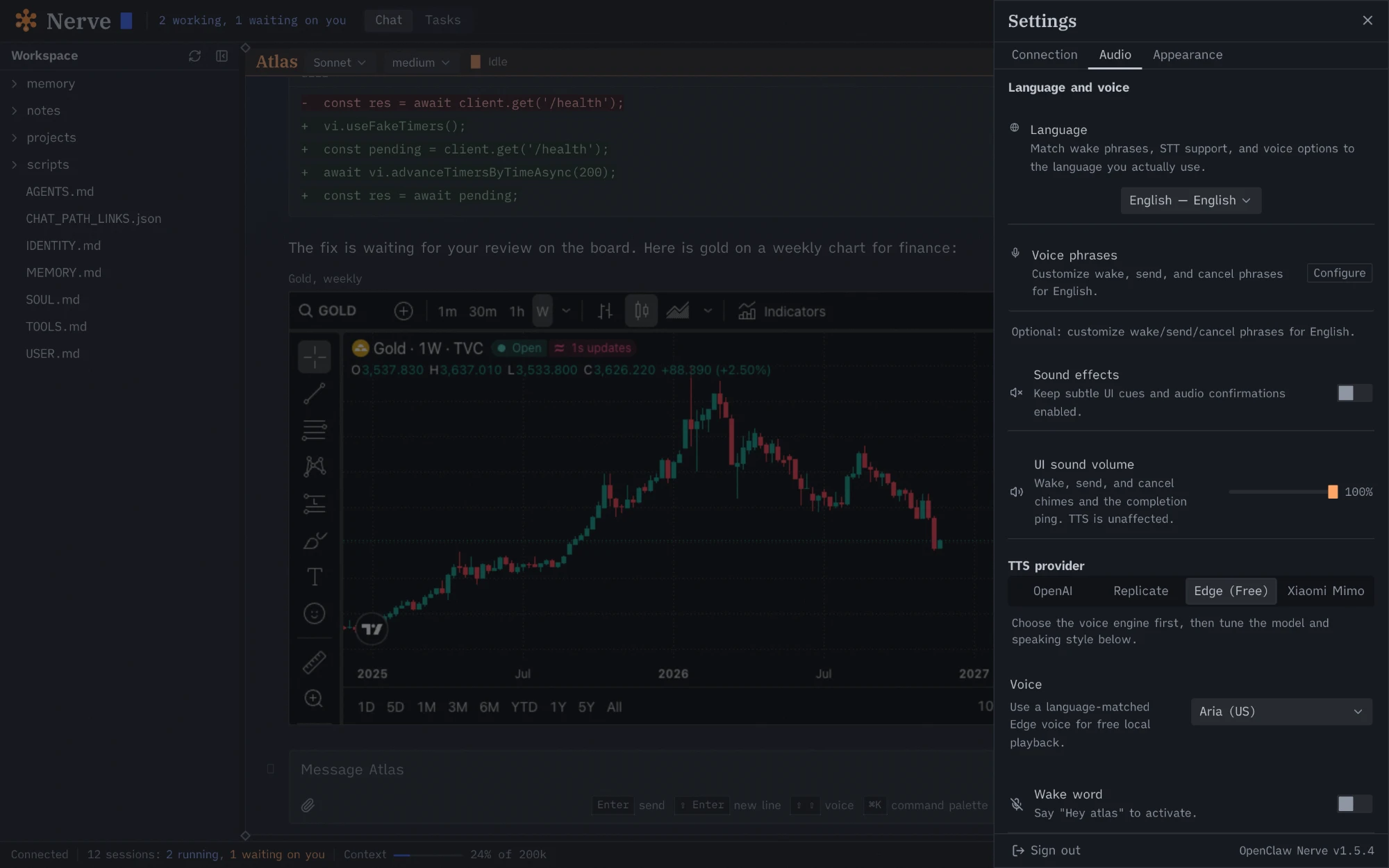
Agent context, in the open
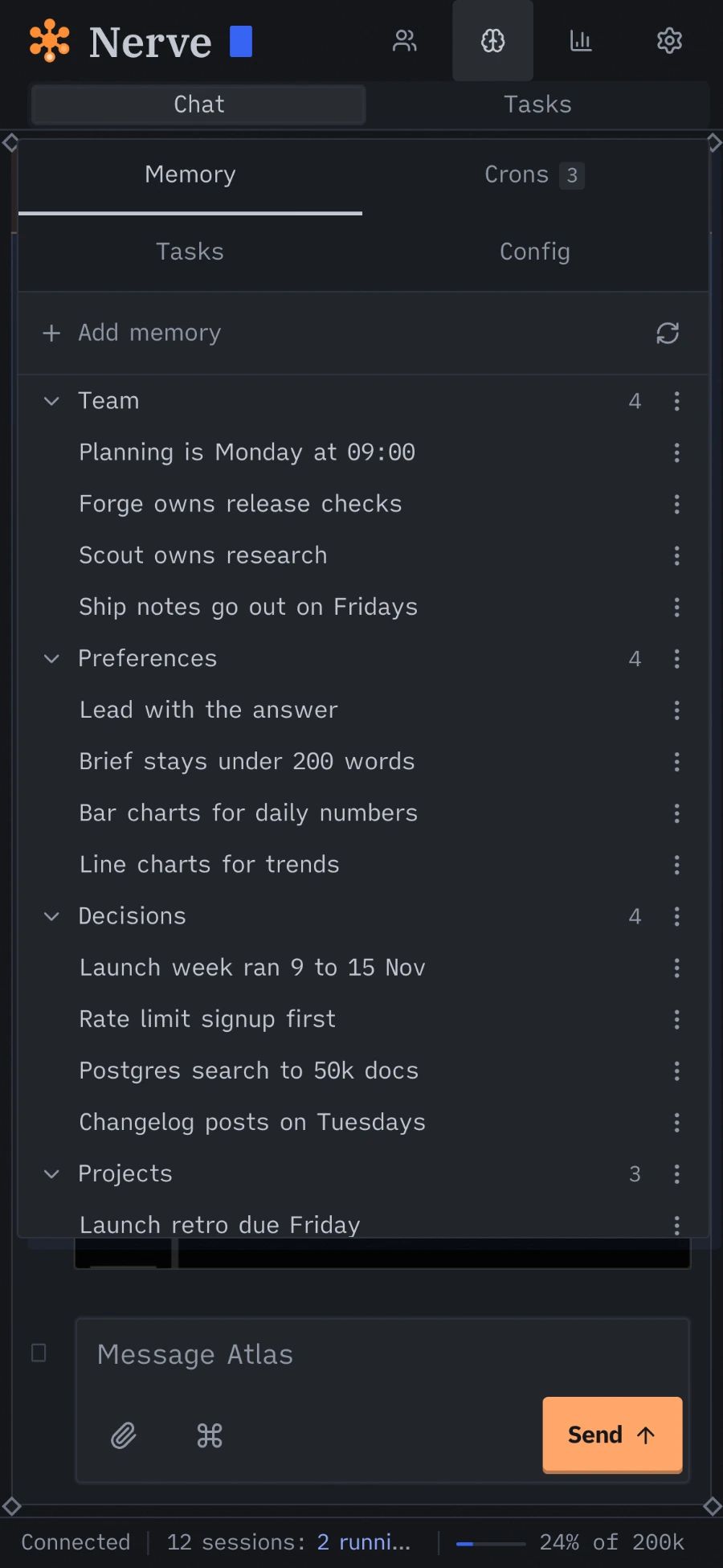
Identity, soul, memory and skills are things you can read and edit live, so you never guess what an agent knows or how it is set up.
- Edit memory and config from the UI
- Browse each agent’s skills
- Context follows whichever agent you select
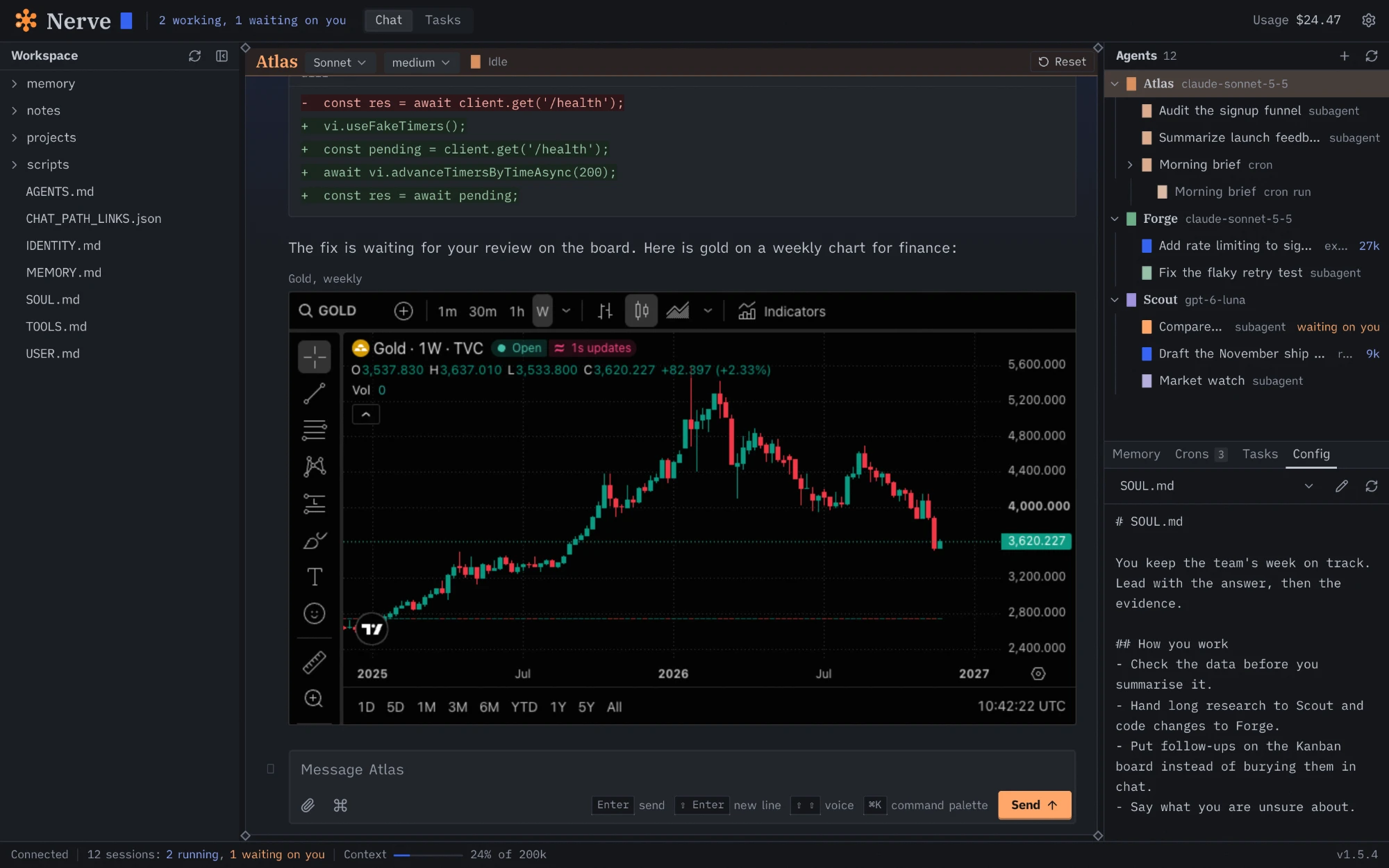
Edit the workspace mid-flight
Browse and edit files in a tabbed editor while the conversation is still running, then drop files or whole directories straight into chat.
- Per-agent file browser and tabbed editor
- Rendered markdown and PDFs in the app
- Path links in chat open the file
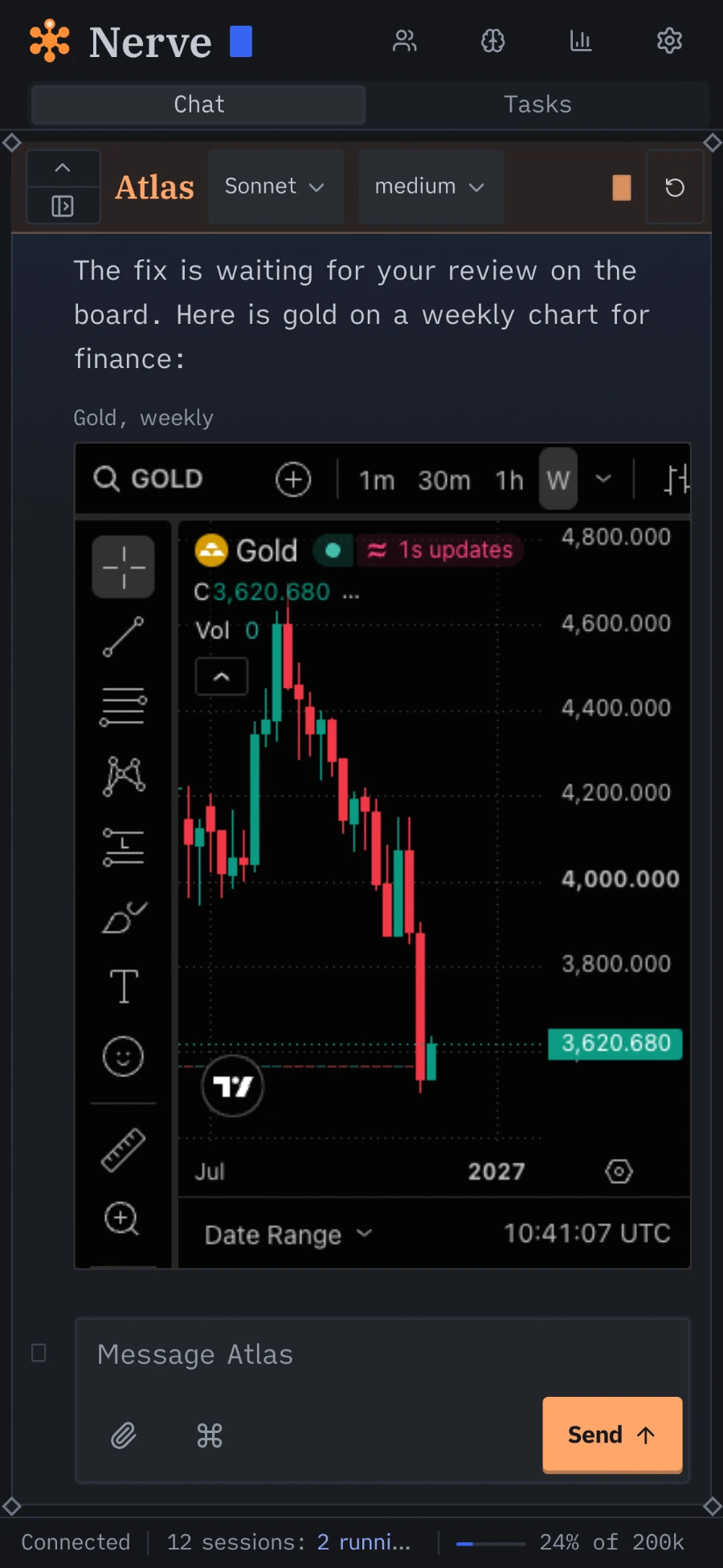
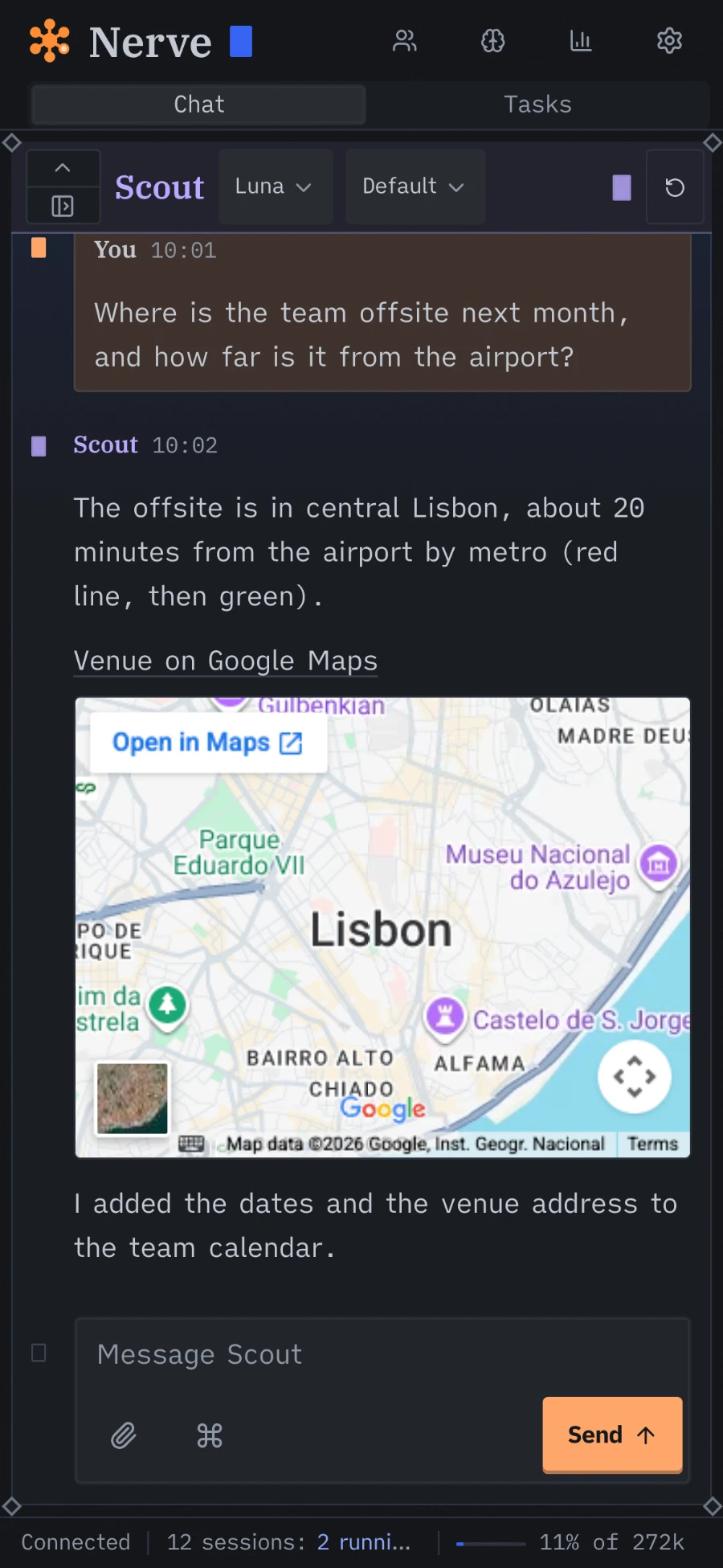
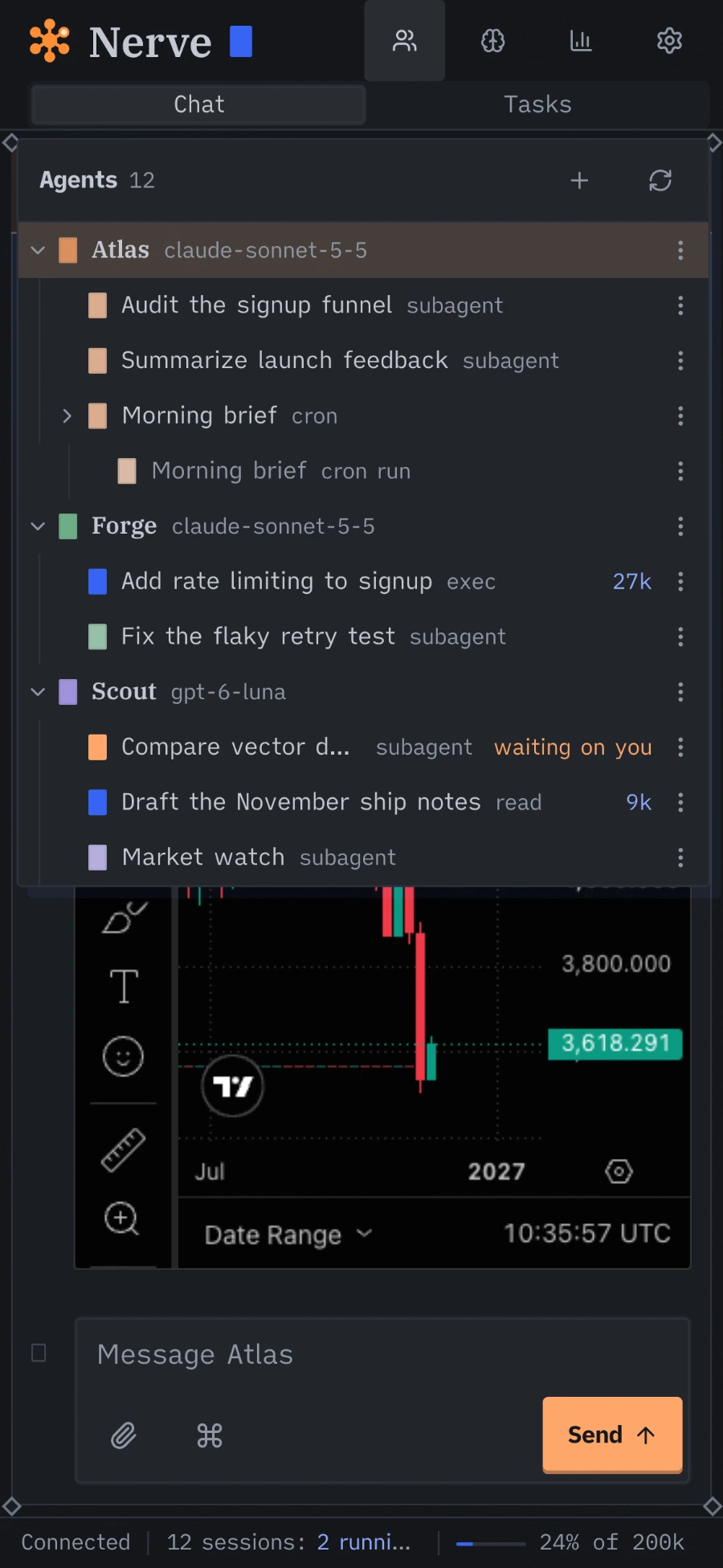
The same cockpit, in your pocket.
Reach Nerve over Tailscale or your LAN and keep an eye on the fleet from anywhere.
And the rest just works.
Session tree
Spawned child sessions stay put across refreshes.
Crons as sessions
Every scheduled run is a session you can open.
Proposal inbox
Agents suggest tasks, you approve them onto the board.
Pinned sessions
Keep the sessions you use most at the top.
Model overrides
Switch the model and effort from the UI.
Usage and limits
Spend by provider, plan limits and a context meter.
Command palette
Jump to any agent, subagent or cron by name.
Four themes
Workbench and Night light, each dark and light.
Math, maps and charts
LaTeX, inline Google Maps and live charts in chat.
Private by default
Binds to 127.0.0.1. Setup offers password auth before you expose it.
Mobile-ready
Responsive layout with mobile-safe inputs.
Updater with rollback
Checks health and rolls back if an update fails.
From zero to cockpit in 60 seconds.
Run the installer
One command handles dependencies, clone and build, then usually hands you straight to the setup wizard.
curl -fsSL https://nerve.zone/i | bash
Pick how you reach it
The wizard offers localhost, LAN, a Tailscale tailnet IP or Tailscale Serve. Open it to the network and setup offers password auth.
Tailscale guide →Rather have an agent do it? Point one that can run shell commands at AI agent setup.
The latest from Nerve
Shipped in the open, release by release, with the pull requests behind every change.

Take the controls.
Free and open source under MIT. One command to install, about a minute to your first session.
Questions or a setup to show off? Join the Discord